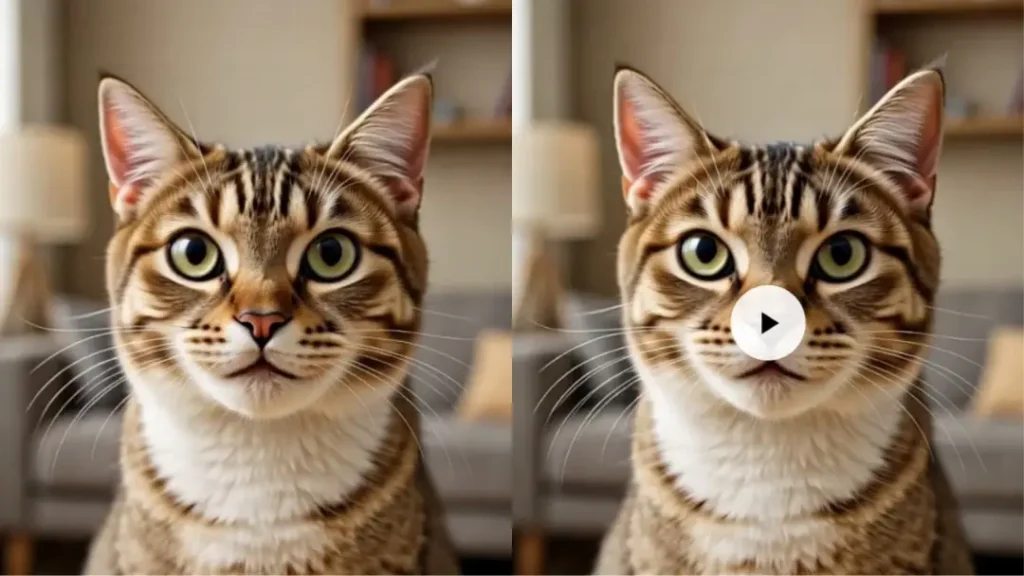
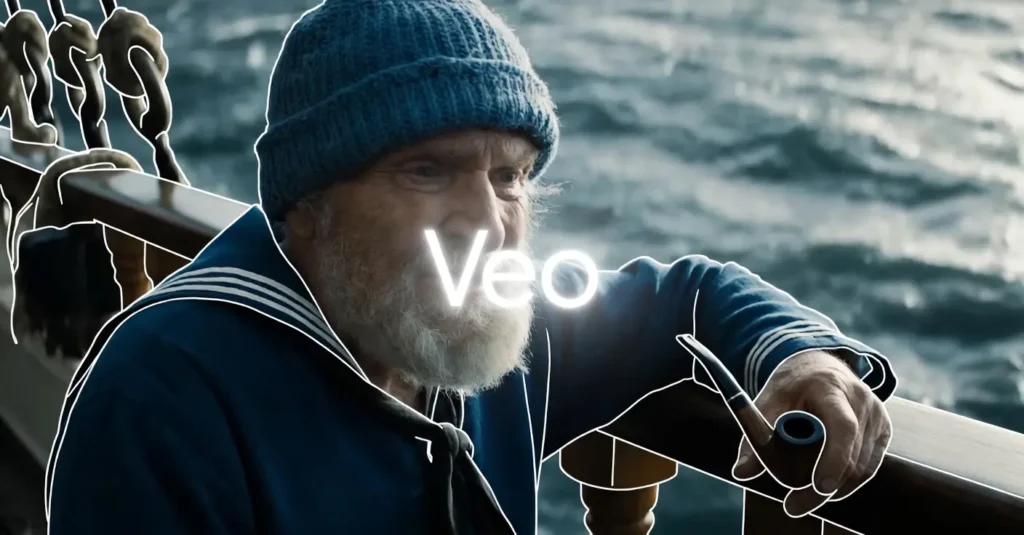
दोस्तों आजकल drone video बनाना बहुत महंगा और मुश्किल हो गया है। असली DJI drone खरीदने में लाखों रुपये लग जाते हैं। फिर pilot की ट्रेनिंग, permission, battery, maintenance और weather की चिंता अलग से। मैंने खुद 2025 में एक छोटा DJI Mini drone खरीदा था।
शुरुआत में मजा आया लेकिन maintenance और legal permission में इतना समय और पैसा लग गया कि मैंने सोचा अब AI से काम चलाया जाए। 2026 में AI tools इतने advanced हो गए हैं कि असली drone की जरूरत ही नहीं रह गई है। आप बस text prompt लिखो या एक normal photo upload करो और AI आपके लिए cinematic drone shots बना देता है।
orbit shot, FPV racing, top down view, pull back shot सब कुछ possible है। lighting, motion और camera movement बिल्कुल real जैसा लगता है। मैंने खुद Runway Gen-3, Luma Dream Machine और Kling AI ट्राई किए हैं और अब छोटे-छोटे clients के लिए AI drone videos बना रहा हूं।
इस article में मैं आपको पूरा process step by step बताऊंगा कि AI से drone video कैसे बनाएं। बिना drone खरीदे, बिना permission लिए और बिना risk के आप professional looking aerial footage बना सकते हो।
How AI is replacing expensive DJI drones for B-roll
मैंने देखा है कि छोटे creators और businesses अब असली drone की जगह AI tools यूज कर रहे हैं। एक normal video shoot में B-roll के लिए drone shots बहुत जरूरी होते हैं लेकिन असली drone से shoot करना risky और costly है। AI virtual cinematography की मदद से आप किसी भी लोकेशन का drone shot बना सकते हो। चाहे वो आपके घर का roof हो या किसी दूर के पहाड़।
AI camera movement को perfectly simulate करता है। lighting, shadows और motion blur बिल्कुल real जैसा आता है। मैंने एक client के लिए local temple का drone video बनाया था। असली drone से shoot करने में permission और safety issues थे लेकिन AI से 10 मिनट में पूरा 8 सेकंड का smooth orbit shot तैयार हो गया।
clients को इतना पसंद आया कि उन्होंने और videos मांगे। AI drone videos से समय बचता है, पैसा बचता है और creative freedom भी बहुत बढ़ जाता है। अब आप किसी भी मौसम या समय में shoot कर सकते हो क्योंकि AI सब कुछ simulate कर देता है।
The concept of virtual cinematography
Virtual cinematography का मतलब है कि AI असली कैमरा की जगह ले लेता है। आप prompt में बताते हो कि कैमरा कहां से शुरू हो, कैसे move करे और कहां खत्म हो। AI physics, lighting और motion को समझकर realistic video generate करता है। 2026 में ये technology इतनी mature हो गई है कि normal लोग भी Hollywood level drone shots बना सकते हैं।
मैंने खुद कई experiments किए हैं। एक बार मैंने अपने गांव की photo upload की और prompt दिया कि drone ऊपर से घूमकर नीचे आए। result देखकर लगा जैसे असली pilot ने fly किया हो। virtual cinematography से आप risky shots भी safely बना सकते हो जैसे mountain के ऊपर से high speed fly या crowded city में low altitude flight। ये technology creators के लिए game changer साबित हो रही है।
Top AI tools for drone shots
2026 में drone style videos बनाने के लिए तीन tools सबसे ज्यादा इस्तेमाल हो रहे हैं। Runway Gen-3 Alpha, Luma Dream Machine और Kling AI। इन तीनों की तुलना नीचे table में दी गई है।
Comparison Table of Top AI Drone Video Tools
| Tool Name | Best For | Max Duration | Motion Quality | Pricing (2026) | Ease of Use |
|---|---|---|---|---|---|
| Runway Gen-3 Alpha | Hyper realistic lighting & details | 10 seconds | Excellent | $12/month to $76/month | Medium |
| Luma Dream Machine | Smooth looping drone orbits | 5-8 seconds | Very Good | Free limited, $29/month | Very Easy |
| Kling AI | Long duration realistic flights | 10+ seconds | Excellent | $10/month to $50/month | Easy |
Runway Gen-3 Alpha for hyper realistic lighting
Runway Gen-3 Alpha मुझे सबसे ज्यादा पसंद है क्योंकि इसमें lighting और reflections बहुत natural आते हैं। मैंने एक client के farmhouse का drone video इसी tool से बनाया था। sunlight की rays, shadow movement और water reflection सब बिल्कुल real लग रहे थे।
Runway में motion brush और camera control बहुत अच्छा है। आप prompt में exact camera path बता सकते हो। hyper realistic output के लिए ये tool number one है। beginners को थोड़ा सीखना पड़ता है लेकिन result देखकर मजा आ जाता है।
Luma Dream Machine best for end to start drone loops
Luma Dream Machine looping drone shots के लिए सबसे अच्छा है। आप एक image upload करके prompt देते हो कि drone घूमे और वापस उसी पॉइंट पर आए। मैंने कई Instagram reels के लिए circular orbit shots इसी से बनाए हैं।
motion बहुत smooth है और loop perfectly close होता है। free version में भी अच्छी quality मिलती है। अगर आप short looping drone videos चाहते हो तो Luma Dream Machine ट्राई करें।
Kling AI for long duration 10 second drone flights
Kling AI अभी longest duration देता है। 10 सेकंड या उससे ज्यादा के realistic drone flights आसानी से बना सकता है। मैंने एक wedding highlight reel के लिए temple के ऊपर से long pull back shot Kling AI से बनाया था।
camera movement natural था और details sharp थे। Kling में Hindi prompts भी अच्छे से समझता है। long duration shots के लिए ये tool सबसे बेहतर है।
The secret sauce drone motion prompts Hindi English mix
Drone video बनाने का सबसे महत्वपूर्ण हिस्सा prompt लिखना है। मैं हमेशा Hindi और English mix करके prompt लिखता हूं क्योंकि AI दोनों समझता है। orbit shot के लिए लिखो Circular motion around a beautiful ancient temple at golden hour, smooth drone orbit, cinematic lighting.
FPV mode के लिए High speed racing drone flying through dense forest, first person view, fast motion, realistic trees passing by. top down god view के लिए 90 degree bird eye view of a busy Indian market, slow descending drone from high altitude.
pull back shot के लिए Starting close on a young girl face on beach, drone slowly flying backward to reveal entire coastline and waves, cinematic sunset. prompt जितना descriptive होगा result उतना अच्छा आएगा। मैं हर बार camera speed, height और direction जरूर mention करता हूं।
Tutorial image to drone shot the pro method
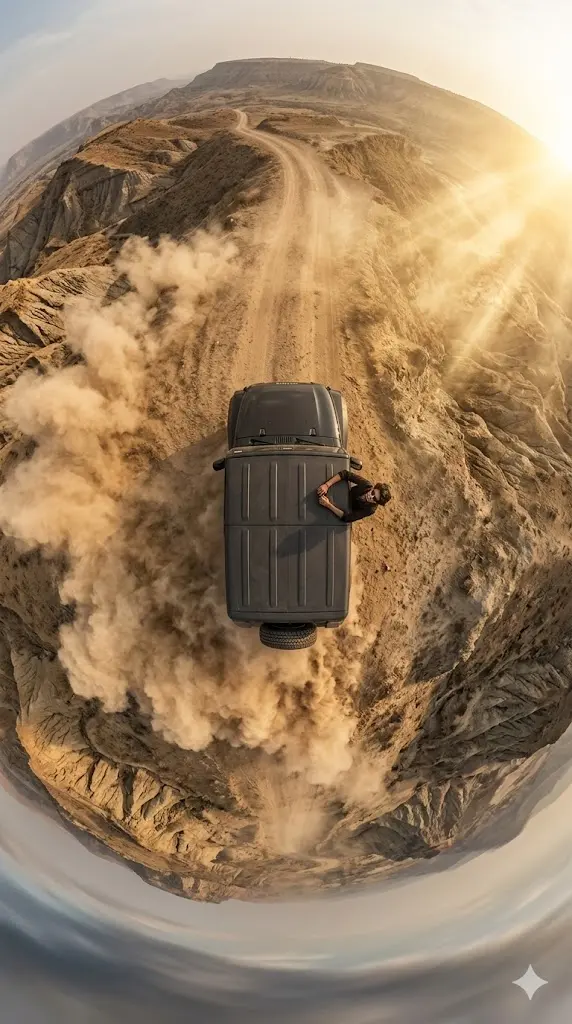
मैं आपको अपना favorite method बताता हूं जो image to drone shot के लिए best काम करता है। सबसे पहले Gemini AI या किसी अच्छे image generator से अपनी लोकेशन की high quality photo बनाओ। उदाहरण के लिए अपने local shop या घर की photo generate करो। फिर उस photo को Runway Gen-3 या Luma Dream Machine में upload करो।
prompt में लिखो Drone slowly orbiting around this shop, starting from front, smooth circular movement, cinematic golden hour lighting, 4K resolution.
AI photo को base बनाकर उसके चारों तरफ drone motion create कर देगा। मैंने इसी तरीके से अपने गांव के Primary school की photo upload करके पूरा 8 सेकंड का orbit video बनाया था। result इतना अच्छा आया कि client ने तुरंत पेमेंट कर दिया। इस method से आप किसी भी real जगह का drone shot बना सकते हो बिना वहां जाने के।
Cinematic settings for realism
drone video को cinematic बनाने के लिए settings बहुत महत्वपूर्ण हैं। reels के लिए aspect ratio 9:16 रखो। YouTube videos के लिए 16:9 best है। frame rate 24 fps या 30 fps रखो ताकि motion natural लगे। final output को 4K में upscale करो। Runway और Kling में upscaling option अच्छा है।
lighting के लिए golden hour, blue hour या dramatic sunset mention करो। motion blur थोड़ा add करने से video और realistic लगती है। color grading के लिए cinematic, filmic या teal orange look prompt में ऐड करो। मैं हमेशा 4K और high detail लिखता हूं ताकि sharpness बनी रहे।
Mobile apps versus desktop tools
अगर आप mobile से काम करना चाहते हो तो Luma Dream Machine और Kling AI के mobile apps अच्छे हैं। Android और iOS दोनों पर available हैं। quick shots के लिए mobile काफी convenient है। लेकिन long duration और high quality videos के लिए desktop version बेहतर है क्योंकि screen बड़ा होता है और controls precise होते हैं।
मैं ज्यादातर desktop पर Runway यूज करता हूं और final edit CapCut या Premiere में करता हूं। mobile apps beginners के लिए अच्छे हैं लेकिन pro level work के लिए desktop tools ज्यादा powerful हैं।
Comparison table best tool for each shot type
Runway Gen-3 Alpha hyper realistic lighting और detailed shots के लिए best है। Luma Dream Machine smooth looping orbits और quick social media content के लिए ideal है।
Kling AI long duration flights और storytelling videos के लिए सबसे मजबूत है। मैं clients की जरूरत देखकर tool चुनता हूं। short reels के लिए Luma, cinematic B-roll के लिए Runway और long aerial sequences के लिए Kling।
Conclusion the ethics of AI drone footage
AI से drone video बनाना creative freedom देता है लेकिन ethics का ध्यान रखना जरूरी है। हमेशा disclose करो कि video AI generated है। clients को upfront बता दो कि ये real drone footage नहीं है। copyright rules फॉलो करो और किसी की private property को बिना permission के show मत करो।
मैं हमेशा projects में AI tag लगाता हूं ताकि transparency बनी रहे। AI drone footage से छोटे creators बड़ा काम कर सकते हैं लेकिन सच्चाई बनाए रखनी चाहिए। भविष्य में AI और real drone का combination आएगा लेकिन अभी AI alone बहुत powerful है।
दोस्तों अब आप जान गए होंगे कि AI से drone video कैसे बनाएं। आज ही Runway या Luma ट्राई करके एक simple shot बनाओ। मैंने इसी तरीके से शुरू किया था और अब regular income आ रही है। आप भी शुरू करो और creative बनो। अगर कोई doubt हो तो कमेंट में पूछो। मैं अगले article में AI से full wedding highlight video बनाने के tips दूंगा।
About The Author